If you want to see the images in actual 1:1 resolution, here is how:
* Click on the image in the text.
* Click on the image in the tweet.
* Right-click on the image in the pop-up.
* Open image in new tab.
* Change the "large" at the end of the URL to "orig". Load that URL.
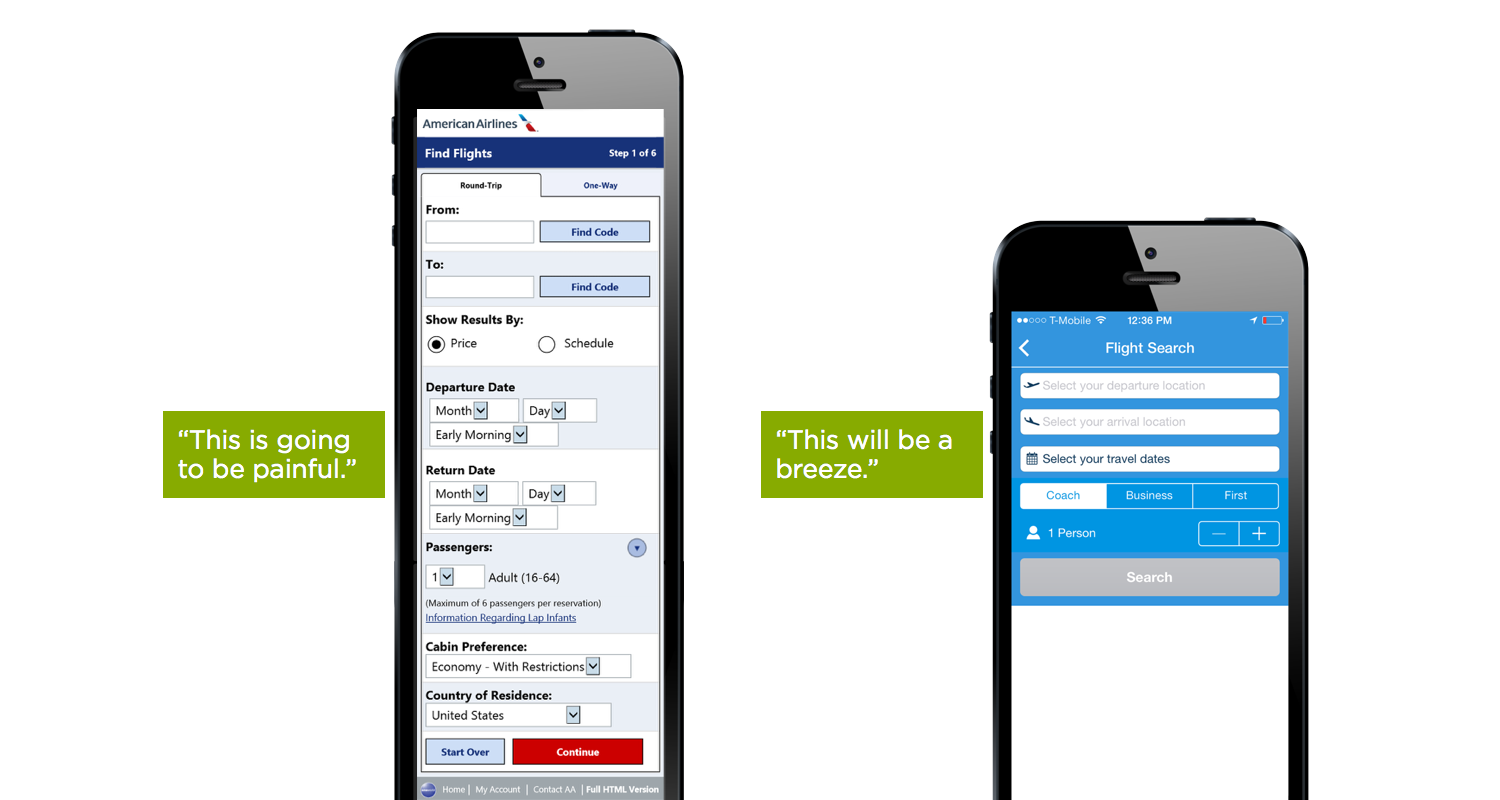
Congrats, you now see a huge (blurry upscaled) image that you can actually read. You are out 3 times the network traffic that was needed. Why would anyone link to their own tweet just to show an (already thumbnailed) image in an article is beyond me. And don't even ask me about my thoughts on Twitter's UI, showing a tiny version of images when you click on them is not sane.
While I completely agree with you - it's an ridiculous choice - you can just right click and click "Open Image in New Tab" in Chrome. Which ironically is located on the authors own domain.
shrug I can read the text in the images just fine on my 96dpi laptop screen. I suspect that I'm not the only one. :)
Edit: Hell, they're even easier to read at the same view distance on my 216dpi Gen 1 Nexus 7. I'm using Firefox on the laptop and Mobile Firefox on the tablet.


* Click on the image in the text.
* Click on the image in the tweet.
* Right-click on the image in the pop-up.
* Open image in new tab.
* Change the "large" at the end of the URL to "orig". Load that URL.
Congrats, you now see a huge (blurry upscaled) image that you can actually read. You are out 3 times the network traffic that was needed. Why would anyone link to their own tweet just to show an (already thumbnailed) image in an article is beyond me. And don't even ask me about my thoughts on Twitter's UI, showing a tiny version of images when you click on them is not sane.